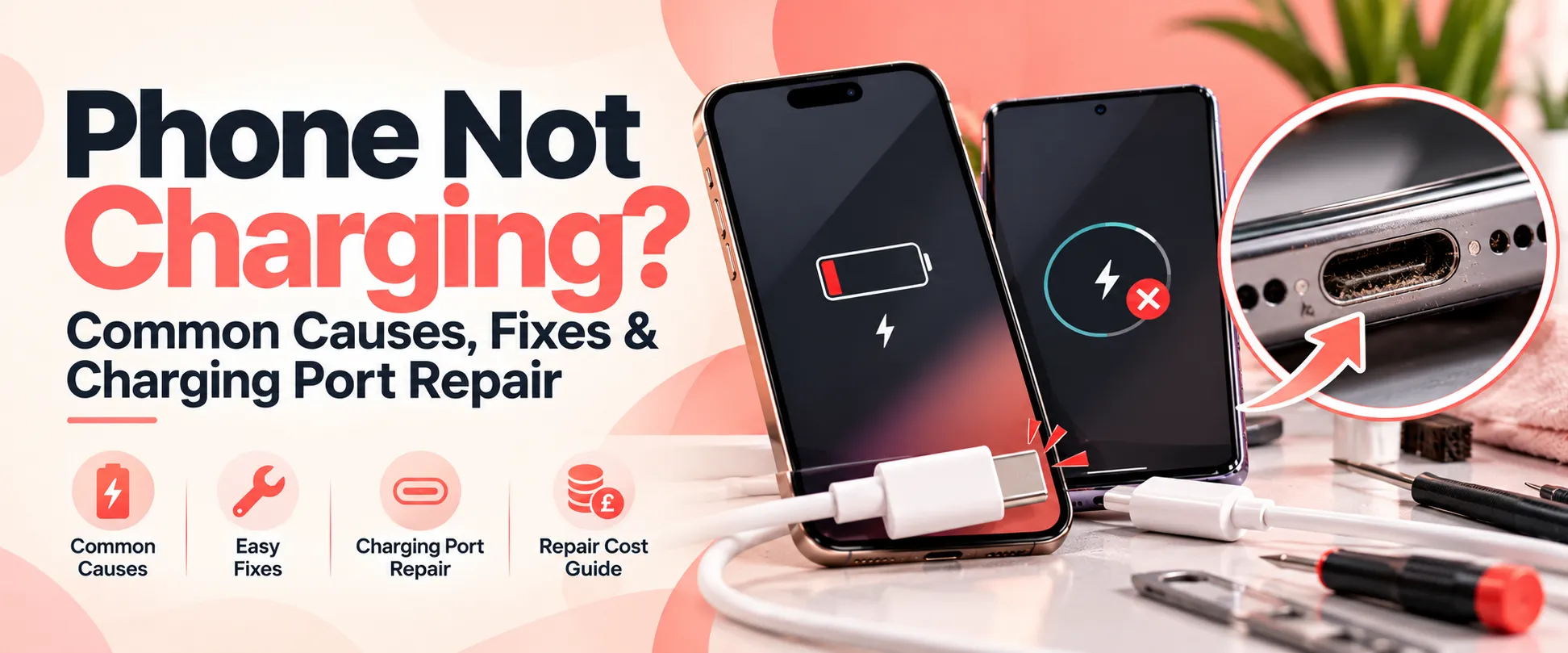
Phone Not Charging? Common Causes, Fixes & Charging Port Repair
Is your phone not charging, charging slowly or disconnecting whenever you move the cable? Charging problems can be frustrating, especially when you depend on your smartphone for work, communication, online banking and everyday tasks. Whether you have an iPhone not charging or a Samsung phone not charging, identifying the cause is the first step towards finding the right solution.
Sometimes, the problem is as simple as a faulty cable or power adapter. In other cases, a worn charging port, damaged battery or internal hardware fault may require professional attention. In this guide, iRepair Zone explains the common causes of mobile phone charging problems, what you can safely check at home, when to arrange a phone charging port repair and how much you might expect to pay in the UK.
A smartphone can stop charging for several reasons. Before assuming that the charging port is broken, it is worth checking a few basic things. Identifying the actual cause can help you avoid paying for an unnecessary repair.
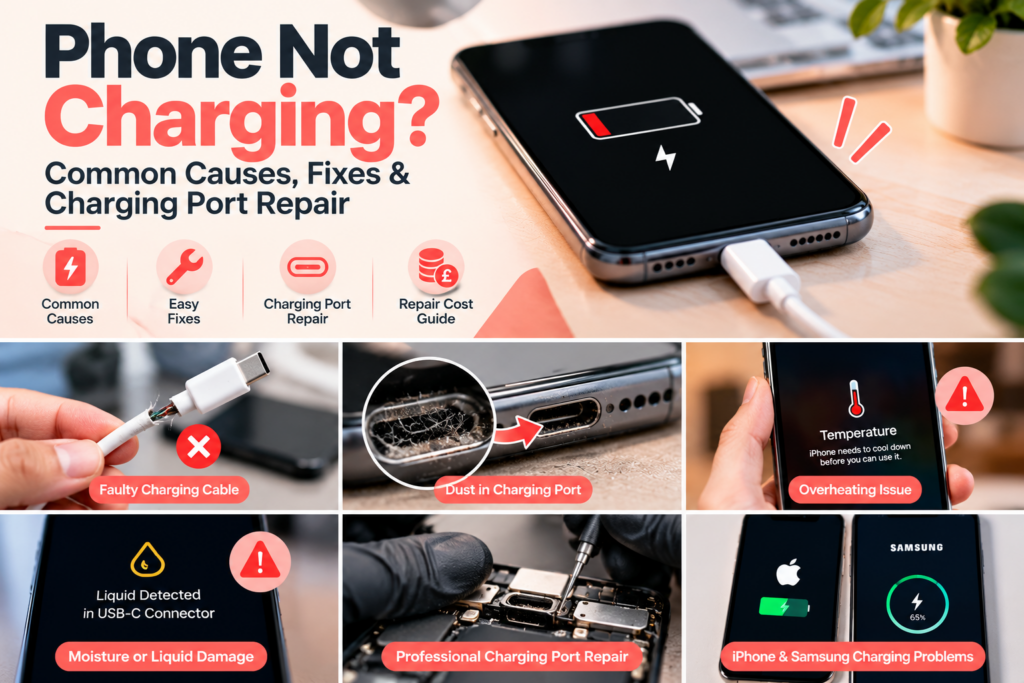
Common causes of phone charging problems include:
Faulty charging cable or adapter: A damaged cable or power adapter may prevent your phone from receiving power.
Blocked or damaged charging port: Dust, pocket lint, corrosion or worn connectors can interfere with the charging connection.
Battery deterioration: An ageing or damaged battery may struggle to hold a charge or power the phone reliably.
Software problems: Temporary software glitches can sometimes affect charging behaviour or battery reporting.
Liquid damage: Exposure to moisture can affect the charging connector and internal components.
Overheating: Some phones temporarily limit or stop charging when their temperature becomes too high.
Internal hardware faults: A damaged charging circuit or other internal component may prevent the phone from charging correctly.
The symptoms can look similar, so the most effective solution depends on the actual fault. Start with the safe checks below before arranging a repair.
What to Do First When Your Phone Won’t Charge
If your phone is not charging, follow these steps in order. They can help you identify a simple problem before you spend money on a repair.
Step 1: Check Your Charging Cable and Adapter
First, inspect your charging cable and adapter for visible damage. If possible, try another compatible cable and power adapter that you know works correctly. You can also try a different wall socket.
If your phone starts charging normally, the problem may have been the original cable, adapter or power source rather than the phone itself.
Avoid using damaged cables, loose adapters or accessories that become unusually hot during use.
Step 2: Inspect the Charging Port
Look at the charging port under good lighting. Dust and compacted pocket lint can prevent the cable from connecting properly, particularly if the connector feels loose or does not fit as usual.
Do not insert metal objects, needles or other tools into the port, and avoid pouring liquids or cleaning products into it. If debris appears compacted or the connector looks damaged, ask a professional to inspect it rather than risk damaging the internal contacts.
Step 3: Restart Your Phone
If the phone still has power, restart it and reconnect the charger. A temporary software issue can sometimes affect charging behaviour.
If your phone has frozen, follow the manufacturer’s instructions for restarting your particular model. A restart will not repair a physically damaged charging port, but it can help rule out a temporary software problem.
Step 4: Check for Temperature or Moisture Warnings
If your phone displays a liquid-detection warning, disconnect the cable and follow the manufacturer’s guidance. Do not try to charge a wet phone through its charging port, and do not use a hairdryer or apply direct heat.
If the phone has been exposed to liquid, switch it off if it is safe to do so and arrange professional assessment. If the device or battery is swollen, unusually hot or giving off an unusual smell, stop using and charging it and seek appropriate professional assistance.
Step 5: Arrange a Professional Diagnosis
If you have checked the cable, adapter and power source but the phone still will not charge, the fault may involve the charging port, battery or internal charging circuitry.
A professional diagnosis can help establish which component needs attention before a repair is authorised. This is particularly important if the phone only charges at a certain angle, repeatedly disconnects or has suffered a drop or liquid exposure.
iPhone Not Charging? Common Problems and Solutions
If your iPhone is not charging, the problem may involve the charging cable, Lightning or USB-C connector, battery or internal hardware. The exact cause depends on your iPhone model and the symptoms you are experiencing.
Common warning signs include:
Your iPhone does not respond when the charging cable is connected.
Charging starts and stops unexpectedly.
The cable feels loose in the connector.
Your iPhone charges only when the cable is held at a particular angle.
The battery percentage increases very slowly.
A liquid-detection warning prevents wired charging.
The phone switches off unexpectedly, even when the battery indicator shows remaining charge.
Begin by checking a compatible cable and adapter and following Apple’s charging guidance. If the problem persists, a technician can inspect the charging connector, battery and other relevant components.
iPhone Charging Port Repair Cost UK
The cost of an iPhone charging port repair depends on the model, the type of connector, the parts required and the underlying fault. Older iPhone models may be less expensive to repair than newer devices, while some faults require more extensive internal work.
As an indicative UK market guide, independent repair listings commonly show charging port cleaning at approximately £15–£40 and charging port replacement at around £40–£150, depending on the model and repair provider. These are general market estimates, not confirmed iRepair Zone prices.
Before booking, ask whether the problem can be resolved with a suitable cleaning or whether the port assembly needs replacing. Request a model-specific quote so you understand the cost before authorising the repair.
If your Samsung phone is not charging, try a compatible cable and adapter first. Check whether the phone displays a moisture warning, and allow it to cool if it has become unusually warm. If the problem continues, professional diagnostics may be needed.
Common symptoms include:
Your Samsung Galaxy phone does not recognise the charger.
Charging repeatedly connects and disconnects.
The battery percentage increases very slowly.
The charging cable does not fit securely.
The phone displays a moisture-detection warning.
The device stops charging before the battery is full.
Do not repeatedly force the cable into the connector or attempt to scrape the port clean. If the connector is damaged or the phone has been exposed to liquid, arrange a professional assessment.
Samsung Charging Port Repair Cost UK
Samsung charging port repair costs vary between Galaxy A-series, S-series and Z-series devices. The design of the phone, the replacement component and the amount of labour required can all affect the final price.
As an indicative UK market guide, charging port cleaning may cost approximately £15–£40, while replacement can range from around £40–£150 or more for certain models and repair providers. These figures are estimates for the wider UK repair market, not iRepair Zone’s confirmed prices.
If you have a Samsung Galaxy A-series phone, the repair may be less expensive than a premium Galaxy S-series or foldable device, but the exact model and fault must be checked before a reliable quote can be given.
A charging port repair may be necessary when the connector is worn, physically damaged or unable to maintain a reliable connection. However, not every charging issue requires a complete port replacement.
You may need professional charging port repair if:
Your phone will not charge with a known-working compatible cable and adapter.
The charging cable repeatedly disconnects.
The connector is visibly damaged or feels unusually loose.
Charging works intermittently despite checking the accessories.
The phone has suffered liquid exposure or physical damage.
A technician can inspect the connector and assess whether cleaning, port replacement or further hardware diagnosis is appropriate. If the problem is caused by a faulty battery or charging circuit, replacing the port alone may not resolve it.
For this reason, it is sensible to confirm the fault and receive a quote before proceeding.
How Much Does Phone Charging Port Repair Cost?
The price of a phone charging port repair depends on the device and the work required. A straightforward repair on an older phone may cost less than a repair involving a newer flagship device or a more complex internal component.
The following table provides an indicative UK market overview.
Repair type
Indicative UK price range
Charging port cleaning
£15–£40
Older iPhone charging port replacement
£40–£85
Newer iPhone charging port replacement
£55–£150+
Samsung Galaxy A-series charging port replacement
£40–£85
Samsung Galaxy S-series charging port replacement
£60–£150+
Complex charging circuit diagnosis or repair
Quote required
These are approximate market estimates, not iRepair Zone’s official prices. Actual costs vary by model, parts, labour and fault. Confirm the price for your exact device before booking.
When comparing quotes, check whether the price includes the replacement part, fitting, testing and warranty. A lower initial price may not include the same service or parts as another provider’s quote.
Could Your Phone Have a Battery Problem Instead?
A phone that will not charge does not always have a faulty charging port. A deteriorating battery can also cause slow charging, sudden shutdowns or unreliable battery percentages.
Signs of a possible battery issue include:
The battery drains unusually quickly.
The phone switches off unexpectedly.
The device struggles to retain its charge.
The battery percentage changes erratically.
The phone becomes unusually warm during normal use.
If your phone charges correctly but loses power quickly, battery assessment may be more appropriate than charging port replacement. A technician can check the symptoms and recommend the right repair based on the results.
If the battery is swollen or the phone’s casing is separating, stop using and charging the device and seek professional assistance.
Can You Fix a Phone That Won’t Charge at Home?
Some charging problems can be resolved without a repair appointment. For example, replacing a faulty cable or adapter may restore normal charging. A restart may also help if the issue is temporary software behaviour.
However, physical damage, internal component faults and liquid-related problems require greater care.
You should avoid:
Inserting metal tools into the charging port.
Using liquids or household cleaning products inside the connector.
Forcing a charging cable into a damaged port.
Charging a wet, swollen or unusually hot phone.
Opening the device without the appropriate tools and experience.
If the simple checks do not solve the problem, professional diagnosis is the safer next step.
Why Choose iRepair Zone for Phone Charging Problems?
At iRepair Zone, customers can enquire about charging faults, battery problems and charging port repairs for supported iPhone, Samsung and other smartphone models. Our team can assess the symptoms, explain the available repair options and provide pricing information before work is authorised.
We aim to make the repair process straightforward, with clear communication and testing appropriate to the repair. Same-day service may be available for some devices, depending on the fault, model and parts availability.
Whether your iPhone is not charging, your Samsung phone keeps disconnecting from its charger or your device needs further diagnosis, the first step is to identify the actual cause rather than replace components unnecessarily.
You can explore our phone repair services and contact the team to enquire about your device.
Get Help With Your Phone Charging Problem
If your phone is not charging, start by checking the cable, adapter and power source. If the issue persists, avoid forcing the connector or attempting risky repairs. A professional diagnosis can help determine whether you need charging port repair, battery replacement or another solution.
At iRepair Zone, you can enquire about repair options for supported iPhone, Samsung and other smartphones. Tell us your phone model and describe the charging problem so the team can advise you on the next step.