MacBook & iPad Screen Replacement – Professional Repair for Cracked and Damaged Displays
A cracked MacBook or iPad screen can turn a device you use every day into a frustrating problem. Whether your MacBook display suddenly starts flickering, your iPad touchscreen stops responding, or an accidental drop leaves a spiderweb of cracks across the glass, a damaged screen does not always mean it is time to replace the entire device.
With professional MacBook and iPad screen replacement, many display problems can be repaired and your device can be returned to normal working condition. At iRepair Zone, screen replacement services are available for supported MacBook and iPad models, alongside repairs for other Apple devices. The service covers common problems including cracked screens, display damage and touchscreen issues.
When Should You Consider a MacBook or iPad Screen Replacement?
Sometimes the damage is obvious — such as a cracked screen after a fall. Other times, the problem develops gradually and may initially appear to be a software or performance issue.
You may need professional screen inspection if you notice:
- Cracked or shattered glass
- Black or blank areas on the display
- Flickering or unstable images
- Lines appearing across the screen
- Dead or stuck pixels
- Touchscreen areas that no longer respond
- Display discolouration
- A screen damaged after an accidental drop
- Visible pressure or impact damage
- A display that turns on but does not show the image correctly
A professional inspection can help determine whether the problem is actually the screen or another component.
MacBook Screen Replacement: More Than Just a Cracked Display
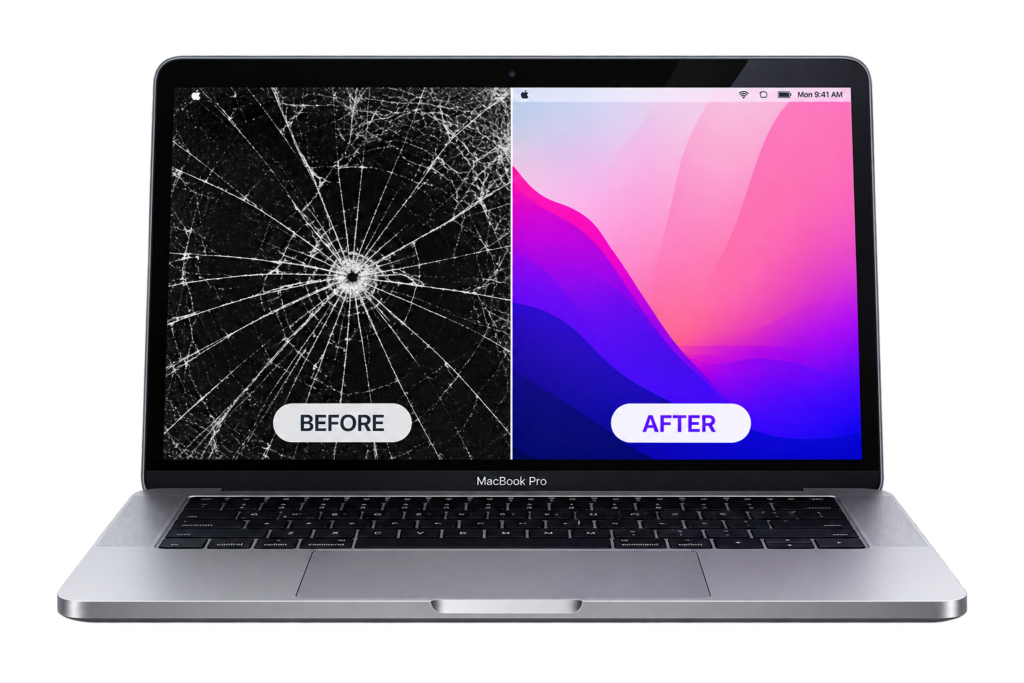
Your MacBook screen is one of the most important parts of the device. Whether you use your MacBook for work, studying, creative projects or everyday browsing, a damaged display can make even simple tasks difficult. MacBook display problems can include cracked panels, display flickering, dead pixels and other forms of screen damage. iRepair Zone provides professional MacBook screen replacement for supported models, using repair methods and replacement screens appropriate to the device.
Common MacBook Screen Problems
A MacBook may require screen replacement following:
Accidental damage:
A drop, impact or pressure inside a bag can damage the display.
Cracked display:
A visible crack can spread and make the MacBook uncomfortable or unsafe to use.
Dead pixels:
Small black or permanently coloured areas may appear across the screen.
Display flickering:
A screen that repeatedly flickers can make working extremely difficult.
Display failure:
In some cases, the MacBook may power on normally while the display remains black or severely distorted.
The important thing is not to assume that every display problem requires the same repair. Proper diagnosis should come first.
iPad Screen Replacement – Restore Your Touchscreen
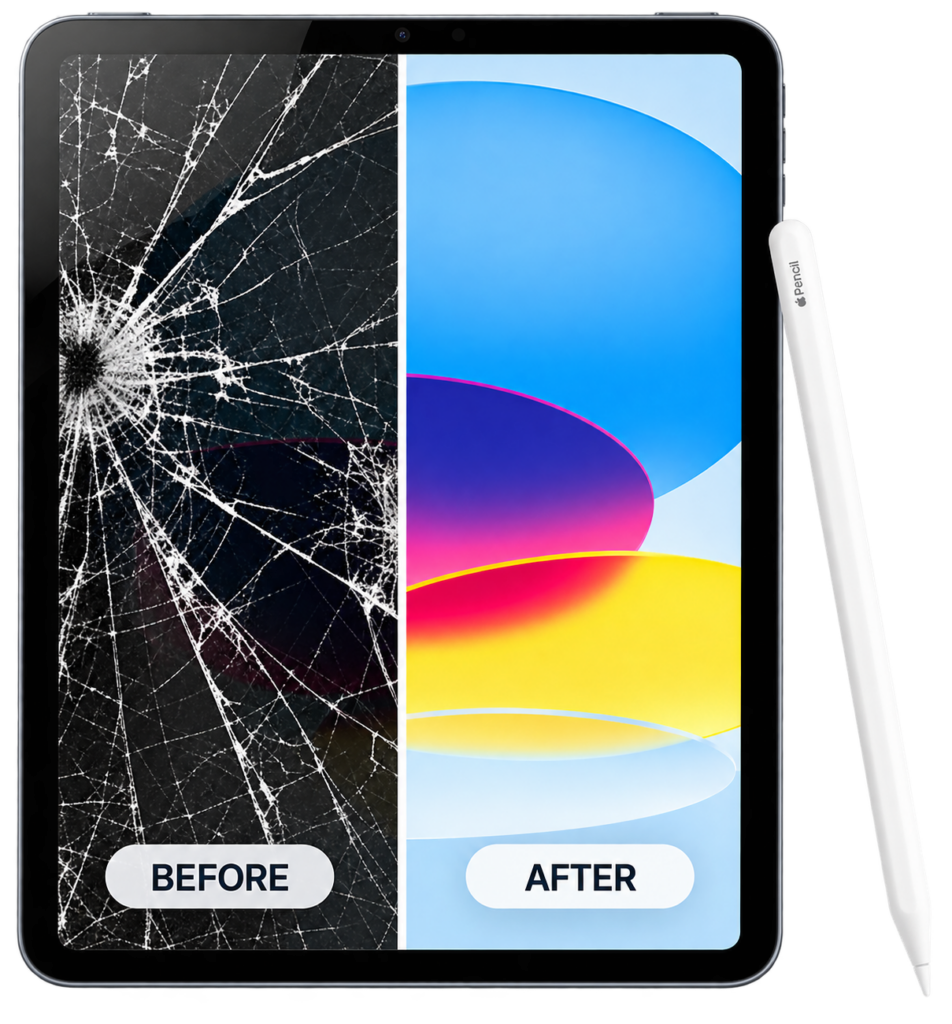
An iPad is designed to be used through its touchscreen, which means even a small area of screen damage can affect the entire experience. A cracked iPad display can make typing, drawing, watching videos and using apps frustrating. If touch functionality is affected, everyday tasks can become even harder. iRepair Zone provides iPad screen replacement for supported models, with repairs designed to restore display clarity and responsive touchscreen functionality.
Depending on the iPad model, the repair may involve replacing the complete screen assembly containing the display and touch components. For example, iRepair Zone lists full-screen LCD and touch replacement options for supported iPad models.
Common iPad Screen Issues
Look out for:
- Cracked front glass
- Unresponsive touch
- Broken LCD
- Black spots or display lines
- Flickering
- Distorted colours
- Display bleeding
- Touch working only in certain areas
- Screen damage following a drop
If your iPad still works after the screen is cracked, it can be tempting to continue using it. However, additional damage can make the problem more complicated, so having the device assessed is sensible.
MacBook vs iPad Screen Replacement – What Is Different?
Although both devices have displays, their screen repairs are not identical.
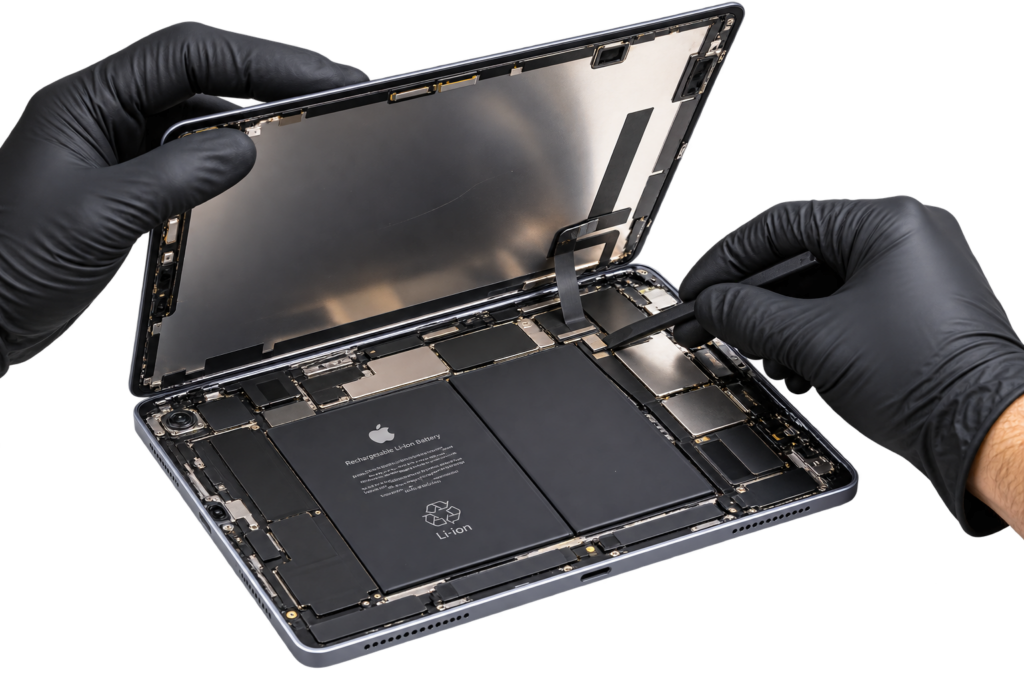
A MacBook is designed around a hinged laptop display, while an iPad combines its touchscreen functionality with a slim tablet design. The internal construction, screen assembly and repair process can therefore vary significantly between models. Even within the same product family, repair requirements can differ. For this reason, the exact MacBook or iPad model should be checked before a repair is booked.
At iRepair Zone, customers can select their device and repair requirement, while specific device pages provide model-related repair information.
Should You Repair or Replace Your MacBook or iPad?
A broken screen does not automatically mean you need a new device.
Before buying another MacBook or iPad, consider:
- The age and overall condition of your device
- Whether the battery is still performing well
- Whether the device meets your current needs
- The cost of screen replacement
- The cost of purchasing another device
- Whether your data and apps are already set up on the existing device
For a relatively modern device that otherwise works well, repairing the display can be a practical way to extend its usable life.
On the other hand, if a device has several major faults or is approaching the end of its useful life, a technician can help you understand the available options before you commit to a repair.
Why Professional Screen Replacement Matters
A MacBook or iPad is not simply a piece of glass that can be swapped without consideration. The correct replacement part, repair method and testing process matter. After screen replacement, the display and touch functionality should be checked to make sure the device is operating correctly.
iRepair Zone says its screen replacement service covers iPhone, Samsung, Google Pixel, iPad, MacBook and Apple Watch, with professional installation and testing.
Apple also explains that repair options and coverage can depend on whether a repair is carried out by Apple, an Apple Authorised Service Provider or an independent repair provider. Customers should check the warranty and repair terms that apply to their particular device before proceeding.
How Long Does MacBook or iPad Screen Replacement Take?
Repair time depends on the exact model, the type of damage and the availability of the required replacement part. Some iPad repairs may be completed the same day, while certain models can require longer turnaround times. iRepair Zone’s individual device pages show that repair times can vary by model, with some devices listed for same-day service and others requiring several days. The best approach is to confirm the repair time when requesting your quote.
What Should You Do Before Bringing Your Device for Repair?
Before handing over your MacBook or iPad, it is sensible to:
Back up your important data.
Use your normal backup method so important documents, photos and other files are protected.
Remove unnecessary accessories.
Take off cases, covers and accessories that you do not need to leave with the device.
Know your device model.
The exact model can affect the replacement screen and repair price.
Explain what happened.
Tell the technician whether the device was dropped, exposed to liquid or simply developed a display problem.
Ask for a quote.
A proper assessment can help you understand the repair before authorising the work.
MacBook & iPad Screen Replacement at iRepair Zone
A damaged display can be stressful, especially when the device contains important work, photos, documents or personal information. At iRepair Zone, the goal is to diagnose the issue, explain the repair and provide a suitable solution for supported MacBook and iPad models. The company provides repair services across its locations and also offers mail-in repair options for customers who are not close to a store.
Whether you have a cracked MacBook screen, damaged MacBook display, broken iPad screen or unresponsive iPad touchscreen, getting the problem assessed can help you understand whether screen replacement is the right solution.
Ready to Repair Your Screen?
Don’t let a cracked display interrupt your work, study or entertainment.
Book your MacBook or iPad screen replacement with iRepair Zone today or request a quote for your device.