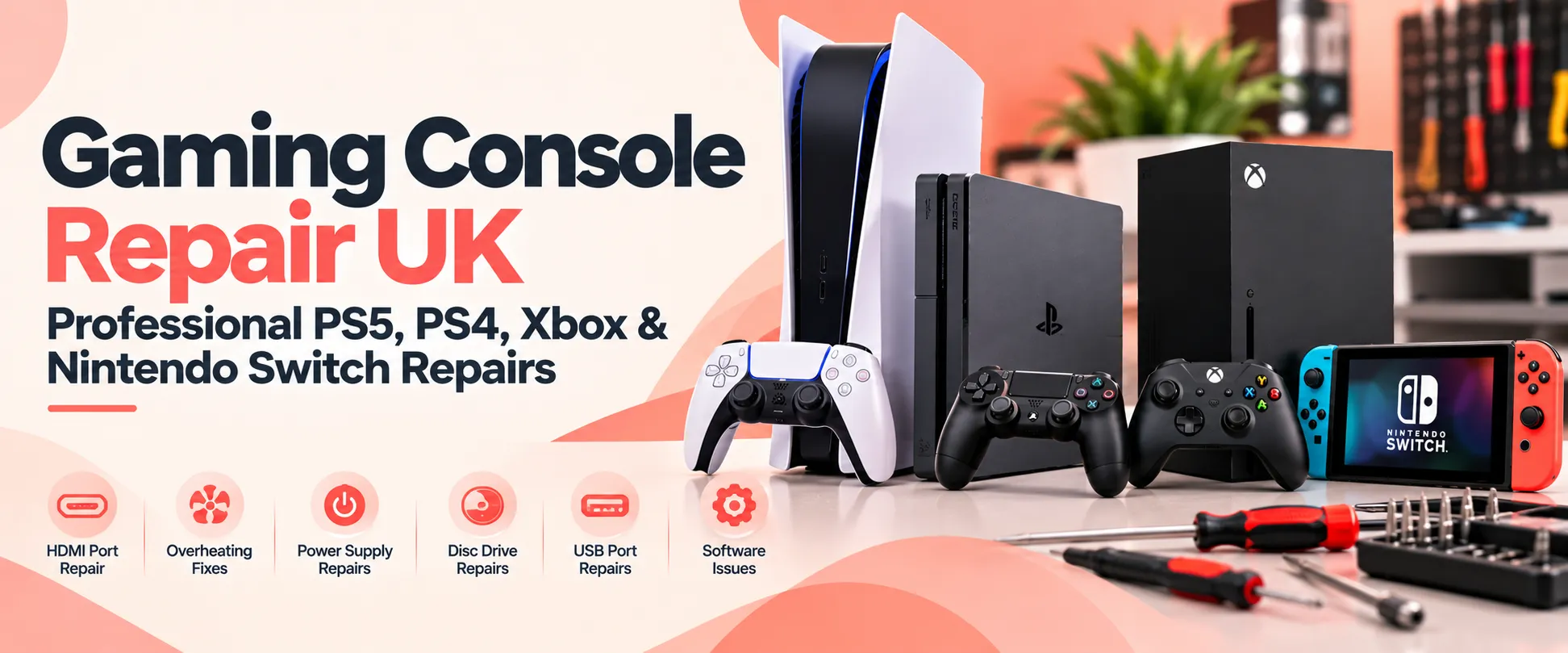
Gaming Console Repair UK: Professional PS5, PS4, Xbox & Nintendo Switch Repairs
Gaming consoles have become an essential part of home entertainment, whether you enjoy competitive online gaming, single-player adventures or family games. However, when your console suddenly stops working, overheats, displays no picture or develops a hardware fault, it can quickly interrupt your gaming experience.
If you are searching for gaming console repair in the UK, choosing a reliable repair service is important. A professional diagnosis can help identify the actual problem, explain the available repair options and potentially save you the cost of replacing your console.
At iRepair Zone, our Gaming Console category includes repair options for PlayStation 5 (PS5), PlayStation 4 (PS4), Xbox Series X, Xbox Standard Models and Nintendo Switch. From HDMI port damage and overheating to charging problems, USB faults and software issues, customers can explore available repair options and request assistance for their gaming devices.
Whether you need PS5 repair, PS4 repair, Xbox repair or Nintendo Switch repair, this guide explains common console problems, possible solutions and how to arrange a repair with iRepair Zone.
Gaming Console Repair Services at iRepair Zone
Different gaming consoles can develop different hardware and software problems. Some faults affect the console’s ability to display games, while others prevent it from powering on, connecting to controllers or reading discs.
Our website provides dedicated repair pages for five gaming console categories:
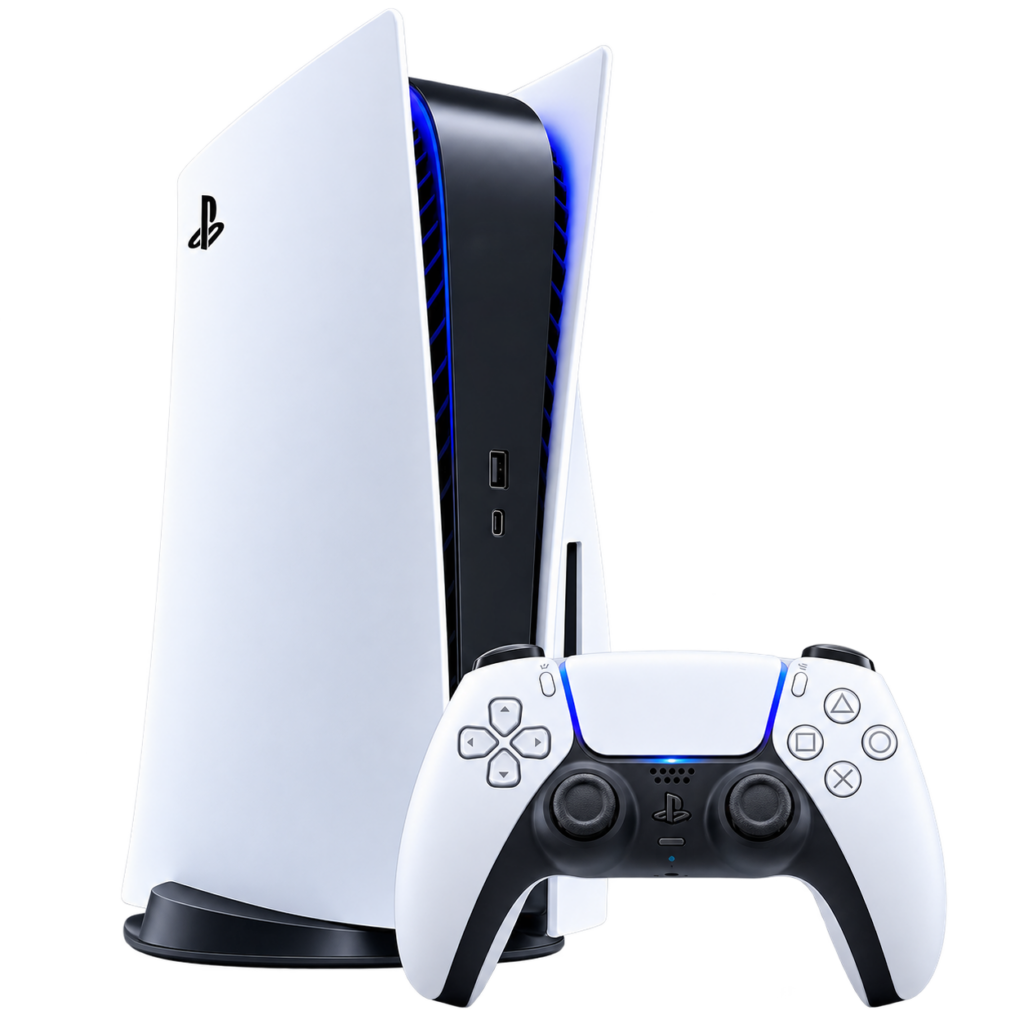
PlayStation 5 (PS5)
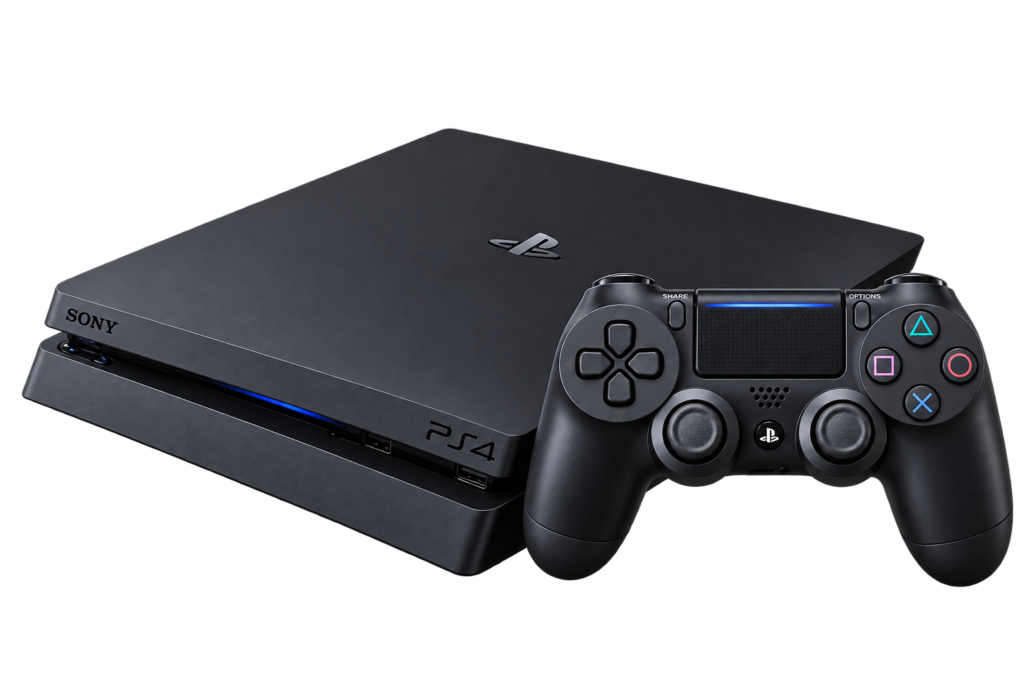
PlayStation 4 (PS4)
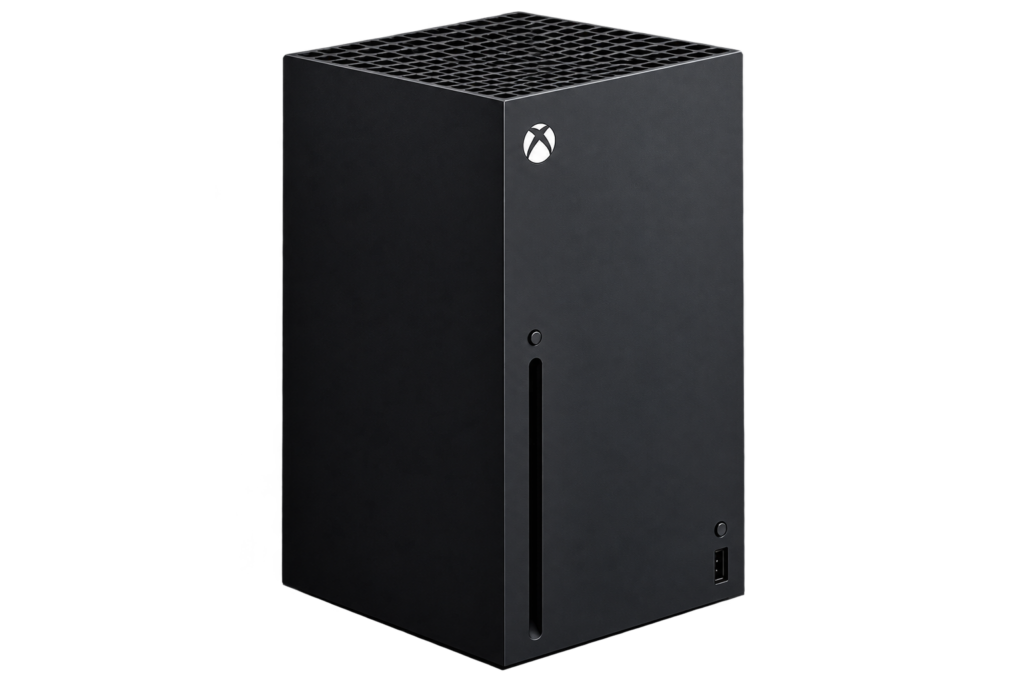
Xbox Series X
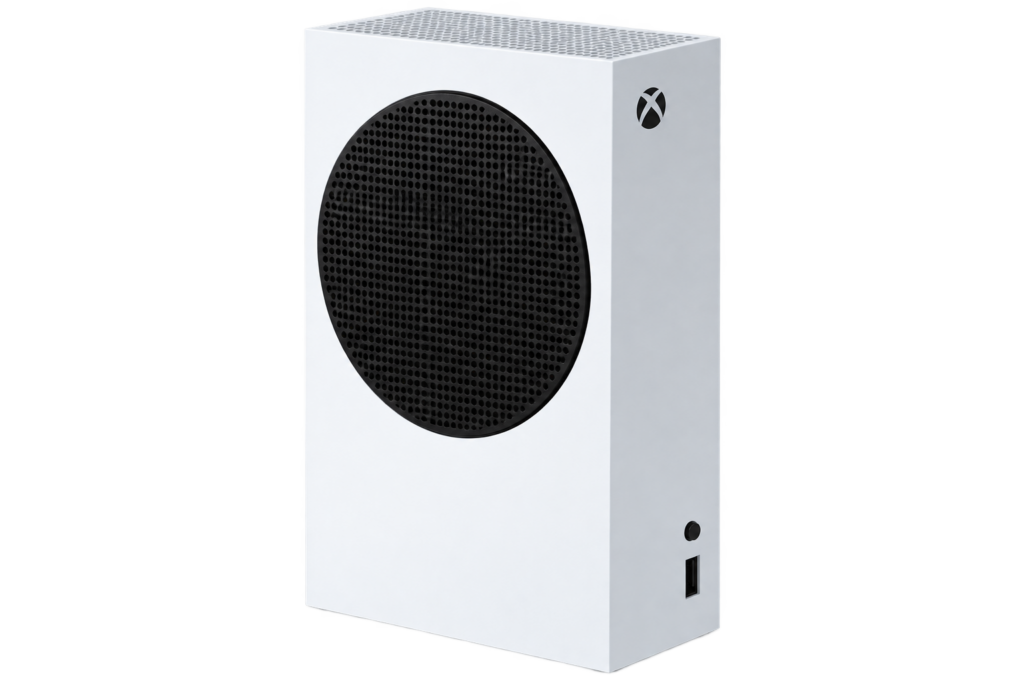
Xbox Standard Models, including Xbox One, Xbox One S and Xbox One X
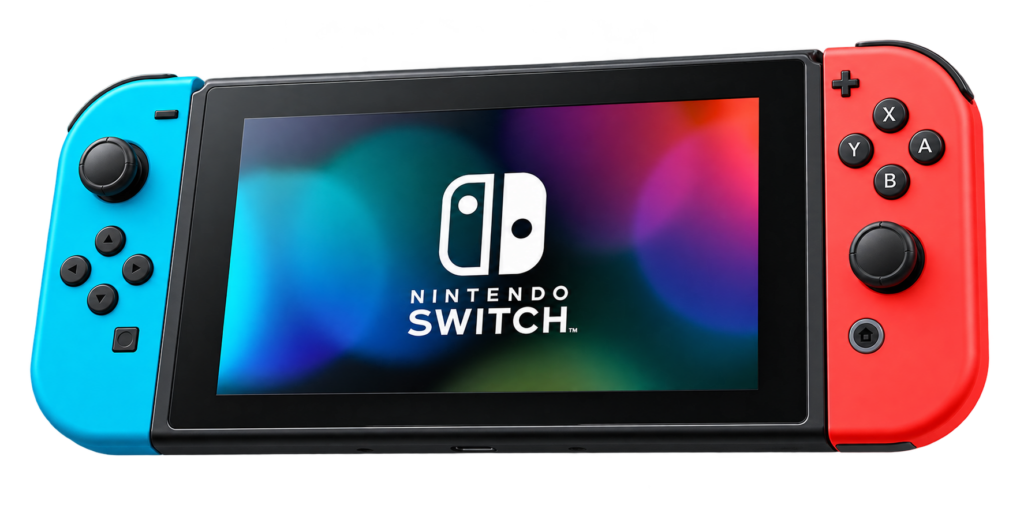
Nintendo Switch
Each device page allows customers to explore available repair options and arrange a booking. If you are unsure which component is faulty, you can select the diagnostic option where available and let the repair team assess the problem.
PS5 Repair: Common PlayStation 5 Problems and Solutions
The PlayStation 5 is a powerful gaming console, but like any electronic device, it can develop problems over time. HDMI damage, overheating, power issues and software errors are among the faults that may affect its performance.
If your PS5 is not working correctly, identifying the symptoms is the first step towards finding the appropriate repair.
PS5 HDMI Port Repair
An HDMI port connects your PlayStation 5 to your television or monitor. If the port becomes damaged, your console may turn on without displaying anything on the screen.
Common signs of PS5 HDMI port damage include:
No signal displayed on your television
A loose or damaged HDMI connection
Picture appearing and disappearing
Display interruptions when the HDMI cable moves
Visible damage to the HDMI connector
A damaged HDMI port may require professional replacement. Avoid repeatedly forcing the cable into the connector, as this can cause additional damage.
iRepair Zone offers a dedicated PS5 HDMI port repair service, with the listed repair currently showing a £95 price and an estimated repair time of 2–3 days. Check the device page for current pricing and availability before booking.
PS5 Overheating and Loud Fan Noise
Does your PS5 become unusually hot or make excessive fan noise during gaming? Overheating can be associated with dust accumulation, restricted airflow, cooling-system problems or internal hardware faults.
If your console repeatedly displays temperature warnings or switches itself off, it should be checked rather than repeatedly restarted.
Keep the console in a well-ventilated position, avoid blocking its air vents and allow it to cool if it becomes unusually hot. If the problem continues, professional inspection may be required.
PS5 Not Turning On
A PS5 that does not power on can have several possible causes, including power supply problems, damaged connections or internal hardware faults.
Before arranging a repair, check the power cable and wall socket. If the console still does not respond, avoid opening it without suitable tools and technical experience.
A professional diagnosis can help identify whether the issue is related to the power supply or another internal component.
Other PS5 Repair Services
Depending on the fault, available PS5 repair options at iRepair Zone also include:
PS4 Repair: Keep Your PlayStation 4 Working Properly
Although newer gaming consoles are available, many people still enjoy playing games on their PlayStation 4. From everyday entertainment to multiplayer gaming, a properly functioning PS4 remains useful for many households.
However, older consoles can develop problems due to regular use, component wear, dust accumulation or accidental damage.
Common PS4 Problems
Some of the most common issues that may require PS4 repair include:
HDMI port damage: If your PS4 turns on but does not display an image, the HDMI port or another display-related component may be faulty.
Overheating: Excessive heat, unusual fan noise and unexpected shutdowns can indicate a cooling or airflow problem.
Power supply faults: If the console does not turn on or switches off unexpectedly, the power supply or another internal component may need inspection.
Disc drive problems: A PS4 that struggles to read, accept or eject discs may have a disc-drive or mechanical fault.
Software errors: System crashes, update problems and unexpected errors can affect the console’s performance.
PS4 HDMI Port and Hardware Repair
A damaged HDMI connector is one of the problems that can prevent a PlayStation 4 from displaying a picture correctly. If changing the HDMI cable and television input does not solve the problem, the console may need further diagnosis.
At iRepair Zone, the PS4 repair page provides options for HDMI port damage, no display issues, overheating, power supply faults, disc-drive problems, controller connectivity and software errors.
Customers can select the relevant repair or request a diagnosis if the cause of the fault is not clear.
Xbox Repair: Xbox Series X and Standard Xbox Models
Xbox consoles offer a wide range of gaming experiences, but hardware problems can affect their performance. Whether you use an Xbox Series X or an older Xbox One model, a fault with the HDMI port, USB connection, power supply or disc drive can interrupt your gaming.
iRepair Zone has separate device pages for Xbox Series X and Xbox Standard Models, making it easier to find repair options for your console.
Xbox Series X Repair
The Xbox Series X is designed for high-performance gaming, but it can still develop faults through regular use, accidental damage or component failure.
Common Xbox Series X problems include:
HDMI port damage
No display or video output
Console overheating
Power supply problems
Disc drive faults
USB port damage
Controller connectivity issues
Software errors
If your Xbox Series X powers on but your television shows no signal, the HDMI connection should be checked. A damaged port may need professional replacement.
iRepair Zone provides dedicated Xbox Series X repair services, including HDMI port repair and USB port repair. The device page also provides a diagnostic option for customers who are unsure about the cause of the problem.
Xbox Standard Models: Xbox One, One S and One X Repair
Older Xbox consoles remain popular with gamers who want to continue enjoying their existing game collections. However, long-term use can lead to hardware faults and performance issues.
iRepair Zone’s Xbox Standard Models category covers:
Xbox One
Xbox One S
Xbox One X
Possible repair requirements include HDMI port replacement, USB port repair, no display issues, overheating, power supply faults, disc-drive problems and controller connectivity issues.
For example, if your Xbox One turns on but displays no picture, the problem could be related to the HDMI connection or another internal component. If your console becomes unusually hot or shuts down during gameplay, its cooling system and internal condition may need to be assessed.
Nintendo Switch Repair: Screen, Charging and Joy-Con Problems
The Nintendo Switch offers a different gaming experience because it can be used as a handheld console or connected to a television through its dock. This flexibility makes it popular with families, children and everyday gamers.
However, regular use can lead to problems involving the display, battery, charging connection or Joy-Con controllers.
Common Nintendo Switch Problems
Cracked or damaged screen: Accidental drops can damage the display, making it difficult to play games in handheld mode.
Charging port problems: If your Nintendo Switch does not charge consistently, the charging connector, cable, adapter or another internal component may require inspection.
Battery issues: A battery that drains unusually quickly or fails to hold a charge can affect portable gaming.
Joy-Con controller faults: Controller connection problems, unresponsive buttons and joystick drift can make games difficult to control.
HDMI and docking issues: If your Nintendo Switch does not display an image on your television when docked, the issue may involve the dock, HDMI connection or console hardware.
Overheating and software problems: Unexpected shutdowns, performance interruptions and system errors may require further investigation.
Professional Nintendo Switch Repair
At iRepair Zone, our Nintendo Switch repair page includes options for screen damage, battery replacement, charging port problems, Joy-Con faults, joystick drift, HDMI connection issues, overheating and software-related problems.
The page also provides repair booking and diagnostic options. Repair time and warranty depend on the specific service and replacement part, so check the relevant repair details before confirming your booking.
When Should You Repair Your Gaming Console?
Many gamers continue using a console even when it starts showing signs of a problem. However, ignoring certain faults may lead to additional damage or make the original problem more difficult to diagnose.
Consider arranging a professional assessment if you notice:
Your console does not turn on.
The television displays no signal.
Your HDMI connection feels loose.
The console becomes unusually hot.
The cooling fan makes excessive noise.
Your console shuts down during gameplay.
The disc drive cannot read or eject discs.
USB ports or controller connections stop working.
Your Nintendo Switch will not charge.
Your console repeatedly displays software errors.
Before booking, note the symptoms and when they started. This information can help the technician understand the problem and carry out a more focused diagnosis.
Is Gaming Console Repair Better Than Buying a New Console?
Buying a new gaming console can be expensive, particularly if your existing device only has one faulty component.
In many situations, repairing a console may be a more economical option than replacing the entire device. For example, a damaged HDMI port, faulty USB connector or certain power-related problems may be repairable without replacing the whole console.
However, the right decision depends on the console’s age, condition, repair cost and availability of replacement components.
Before deciding, consider:
The estimated repair cost compared with the price of a replacement console.
Whether the fault is isolated or involves multiple components.
The availability of suitable replacement parts.
The condition of the console and its accessories.
Whether your saved games, settings and accounts need protecting.
A professional diagnosis can help you understand your options before spending money on a replacement.
How to Prepare Your Console Before Sending It for Repair
Preparing your gaming console properly can make the repair process easier and help protect your equipment.
Before arranging a repair:
Record the problem: Make a note of the symptoms, error messages and when the issue started.
Check the external connections: If safe to do so, check the power cable, HDMI cable and other accessories.
Back up important data: Use the relevant platform’s backup or cloud-saving options where available.
Remove discs and accessories: Follow the booking instructions and check whether controllers, cables or other accessories are required.
Clean the exterior carefully: Remove loose dust from the outside without opening the console or using liquids.
Package the console safely: If using mail-in repair, use suitable protective packaging to prevent damage during transit.
Do not attempt to open the console or carry out internal repairs unless you have the appropriate knowledge and equipment.
Gaming Console Repair Near Me: iRepair Zone Locations
If you are searching online for gaming console repair near me, iRepair Zone provides customers with several UK locations and online booking options.
Our six locations serve customers across:
Kingston upon Thames: Supporting customers in Kingston and nearby areas.
Surbiton: Convenient for customers travelling from Surbiton and surrounding neighbourhoods.
Camden: Serving customers across Camden and nearby parts of North London.
Queensway: Supporting customers in Bayswater, Paddington and surrounding areas.
Sidcup: Serving customers in Sidcup and nearby areas of South East London.
Tonbridge: Supporting customers in Tonbridge and surrounding parts of Kent.
Console repair availability and the repair process can vary by device and location. Before travelling, contact your preferred store to confirm whether it can accept your particular console repair.
Mail-In Gaming Console Repair Across the UK
If you do not live close to one of our stores, our website also provides a mail-in repair option for the listed gaming consoles.
The general process is straightforward:
Select your console and the relevant repair on our website.
Complete the booking information.
Follow the packaging and delivery instructions.
Send your console to our central repair service.
The team will contact you after receiving the device and provide updates as the repair progresses.
The device pages currently indicate that many listed console repairs have an estimated turnaround of around 2–3 days, with the actual time depending on the fault and parts availability. For mail-in repairs, delivery time must also be considered.
Why Choose iRepair Zone for Gaming Console Repairs?
Choosing the right repair provider is important when your gaming console develops a hardware or software problem. You want to understand what is wrong, what repair is required and how much it will cost before authorising the work.
At iRepair Zone, customers can explore dedicated repair pages for PlayStation, Xbox and Nintendo Switch consoles, select a listed repair or request a diagnosis if they are unsure about the fault.
Our website provides repair booking options, walk-in and mail-in routes where available, and repair-specific information about estimated turnaround times and warranty coverage.
We aim to make the process clear and straightforward, helping customers understand their options and get their gaming devices working again.
Get Your Gaming Console Repaired with iRepair Zone
A faulty gaming console does not always mean you need to buy a replacement. Whether your PS5 has HDMI damage, your PS4 is overheating, your Xbox Series X has no display, your Xbox One has a power issue or your Nintendo Switch has charging or controller problems, the first step is to identify the cause.
Explore the available repair options at iRepair Zone and choose the device that matches your console.